On this page
Creating article search widgets
Embedding the article search widget in a webpage
Embedding the article search widget in the customer portal
Movidesk’s article search widgets can be embedded on a webpage for customers to easily search your knowledge base. You can also configure your widgets so that customers can contact your agents via Chat if they still need help.
You can create multiple widgets if you would like to match the widget’s branding to the webpage where they will be embedded.
Granting permissions
To grant a user permission to create article search widgets, go to Configurations > Access profiles and select the Access profile applied to the user. In the Access profile, go to the Configurations tab and select User can maintain widgets.
This permission will grant access to view, create, edit, and delete widgets.
|
|
Note In addition to article search widgets, this permission will also allow the user to view, create, edit, and delete Chat widgets. |

Creating article search widgets
To create an article search widget, go to Configurations > Widgets and select the ✚ icon.
Enter a name and a description for the widget.
Select Article search or Chat and article search as the widget type. Select the type Chat and article search if you want the widget to provide both chat and self-service support options to your customer.
|
|
Tip Select the type Chat and article search if you want the widget to provide both chat and self-service support options to your customer. See the Creating chat widgets article for more information on how to configure the chat related parameters on the widget. |

Customization
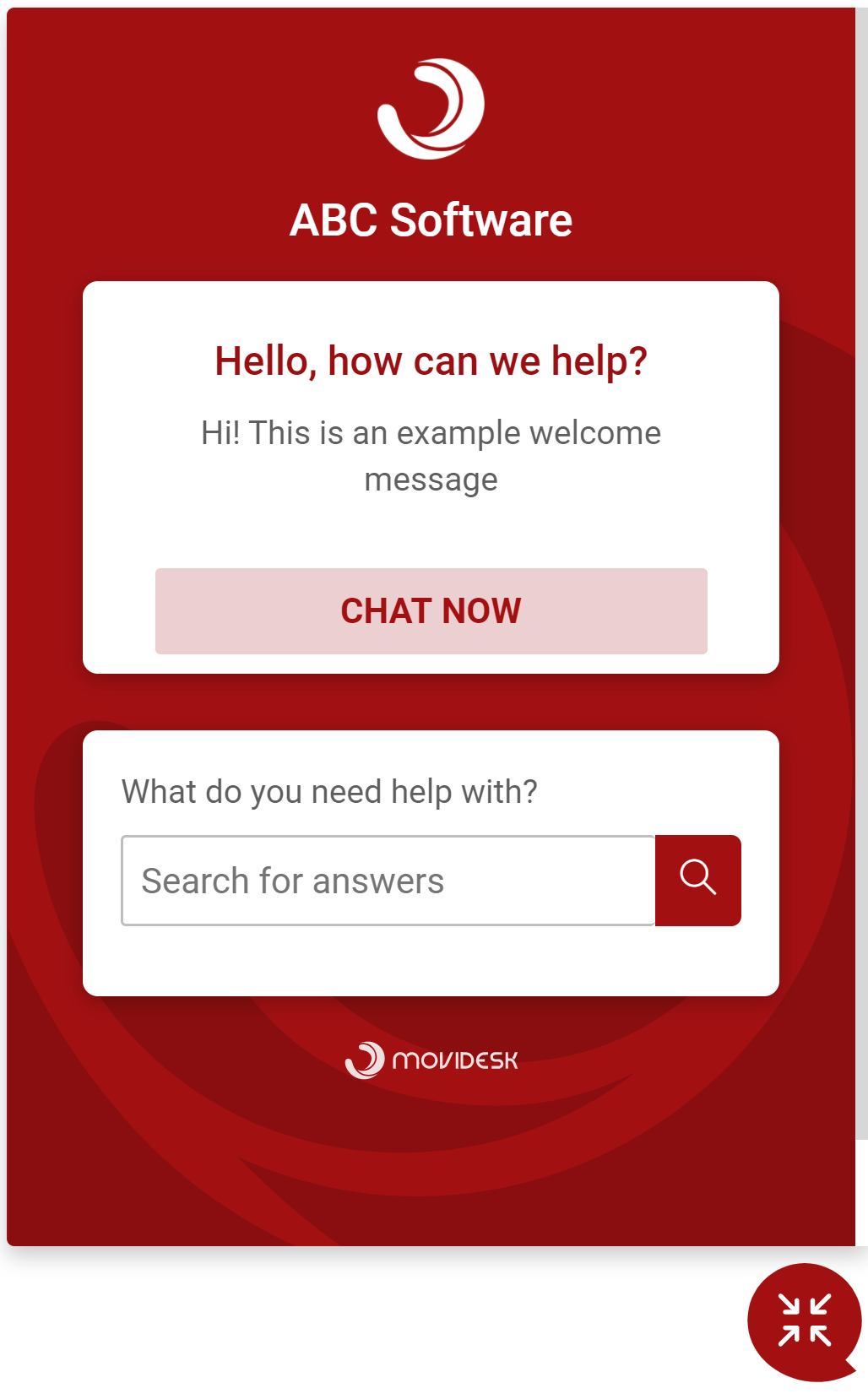
Customize the widget to best fit your brand using the Branding parameters. Here is an example of a widget with the Chat and article search type:
Embedding the article search widget in a webpage
Select the widget in Configurations > Widgets and go to the Widget script section. Copy the widget script into the HTML code of the webpage where you want to embed the widget. The widget script should be placed within the <body> tag of the webpage’s HTML code.
|
|
Note When creating a widget, you must first save the widget for the system to generate the widget’s HTML script. |

Embedding the article search widget in the customer portal
To embed an article search widget in your customer portal, go to Configurations > Access profiles and select the Access profile applied to the users that should see the widget.
In the Access profile, go to the Tickets tab and select a widget in the Chat widget to display within Movidesk parameter. The article search widget will now appear embedded in the customer portal when these users are signed in.
|
|
Note You can only select one widget for each access profile. Use the Chat and article search widget type if you also want the user to be able to communicate with agents through chat within the customer portal. |

Integrating with Wordpress
If you are using the Workpress platform for your webpage, you can download and install the plugin to easily embed the article search widget.
To obtain the plugin, select the widget in Configurations > Widgets. Then go to the Integrations section and select Download the WordPress plugin.